Replace Side Mirror Ford Explorer 2006-2010
Article by Mark Trotta
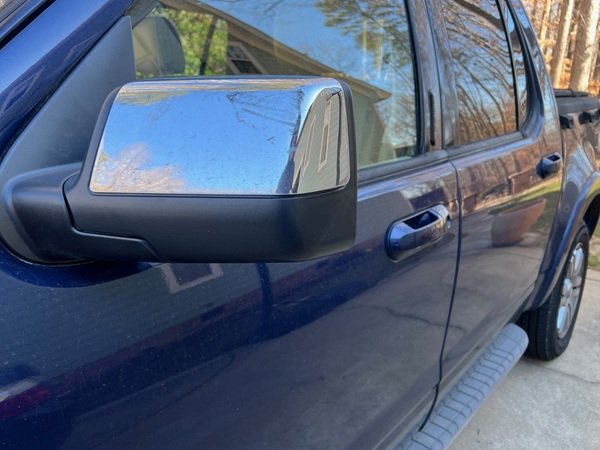
The following is a step-by-step on how I replaced the left-side mirror assembly on my 2008 Sport-Trac. Procedures are the same for 2006 through 2010 Explorer models, as well as 2nd-Generation Sport-Tracs (2007-2010).
Tools Needed
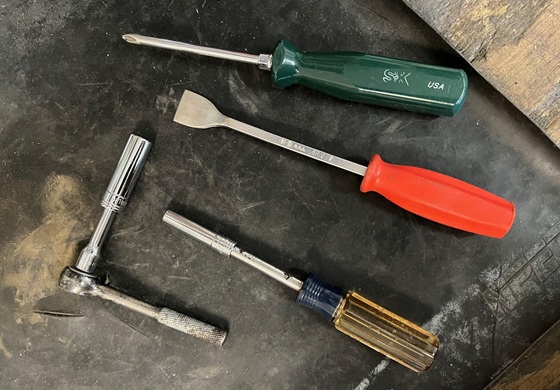
You'll need a Phillips screwdriver, a 1/4 ratchet (or nut driver) and 7mm and 11mm sockets. A plastic trim tool would be nice, but my old gasket scraper worked fine.
Getting Started
Before you begin, put the window all the way down. This will help when you're unbolting the mirror from the inside, and holding the assembly on the outside.
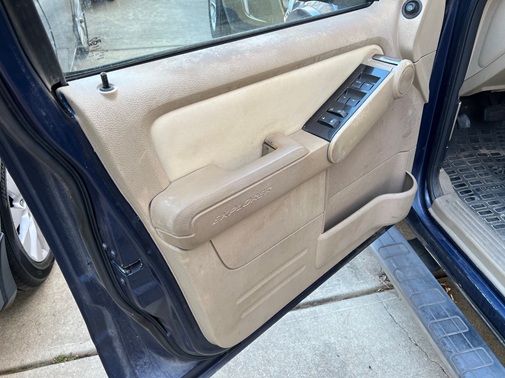
NOTE: With the door open, interior lights will remain on. Mirror removal took me less than 20 minutes, so I saw no need to disconnect the battery.
Remove Door Panel
The first step was to carefully pry off the rectangular trim piece in front of the window switch assembly. A plastic trim tool is the proper tool, but I used a gasket scraper.
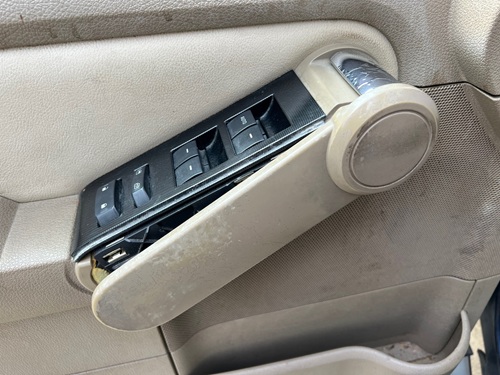
This allows access to the switch assembly.
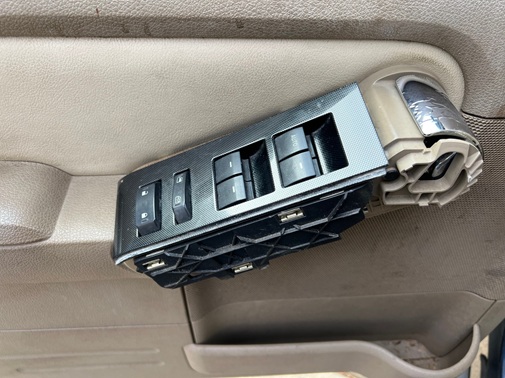
The switch slides out exposing three electrical plugs.
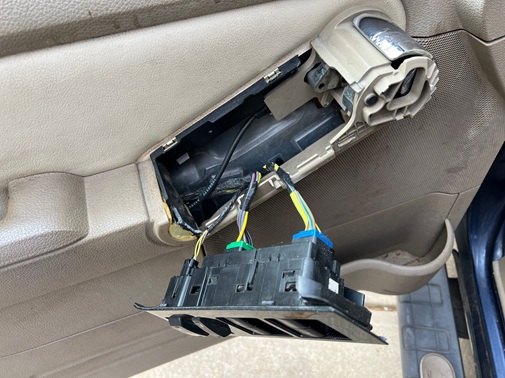
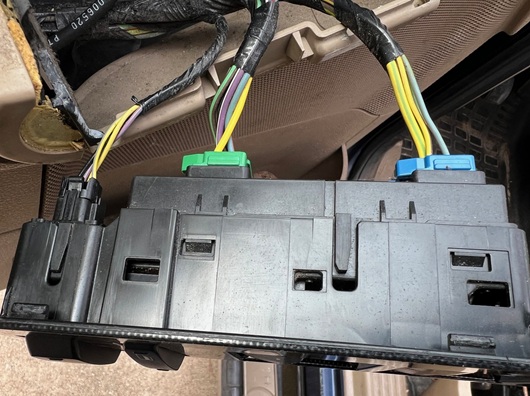
The electrical plugs are color coded black, green, and blue.
Unscrew the two Phillips-head screws at the bottom of the door panel.

There are two 11mm head screws at the door handle.
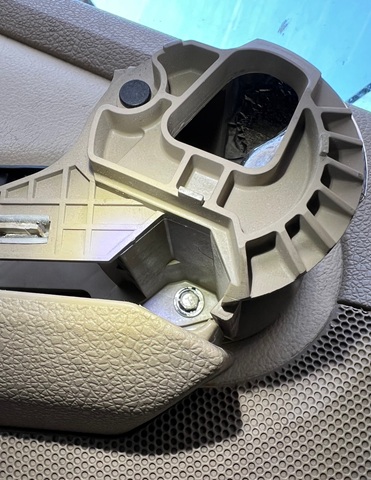
You should now be able to pry the door panel away from the door, then lift it up over the door lock.
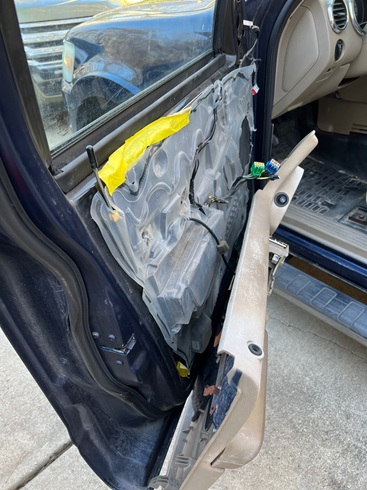
It's Ok to let it hang in place.
*********
Disconnect and Unbolt Mirror Assembly
Unplug the one electrical connector from the mirror assembly.

With a 7mm socket, remove the three screws holding it to the door.
*********
Order the Correct Part!
The replacement mirror must have all the matching features of the old one; manual folding, heat/no heat, and with or without puddle lamp. The wrong one may bolt up, but the electric connectors won't match up.
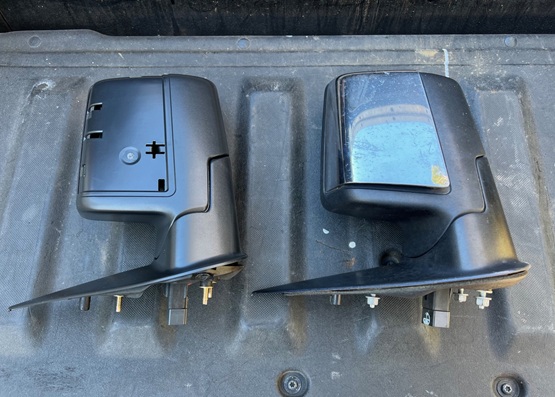
Funny but true; it took me longer to find the correct replacement mirror than it did to actually remove it from the vehicle.
Here's what I ordered: Driver Side Power Non-Heated Mirror for Ford Explorer 2006-2010 with Puddle Lamp
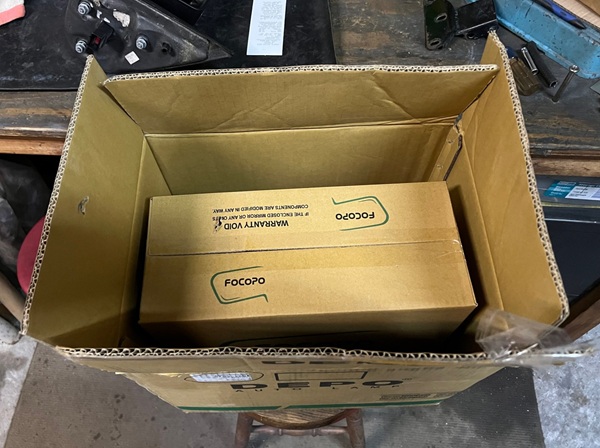
The package (box inside a box) arrived in five days.
Although it showed a chrome cover in the Amazon picture, this one came with a black cover.
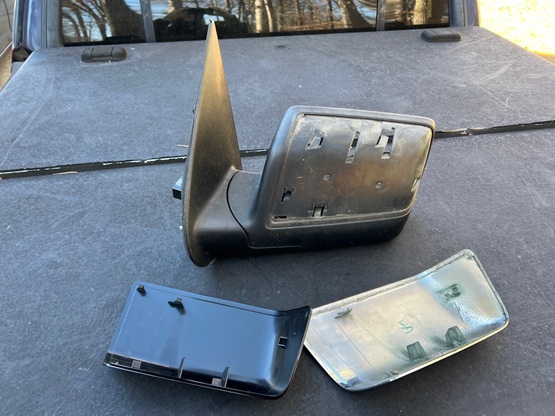
I was able to pry off the old chrome one and re-use it.
*********
Install New Mirror
This is basically the reverse of removal. Thread in the three mirror assembly screws, then tighten them evenly. Reconnect electrical plug (listen for a click).

Reinstall Door Panel
Check that all the door clips on the back of the panel line up with their holes, and at the same time slide the top of panel over the door lock. With the palm of your hand, gently press the panel back on.
Reinstall the two screws at the handle, then the two screws at the bottom of the door.
The three electrical connectors can now be pushed back into the window switch assembly, then the switch goes back in.
NOTE: This master window switch has automatic down on the driver's window button ONLY.

Finally, the rectangular trim piece in front of the switch assembly can be snapped on.
Test New Mirror
With the ignition on, check all mirror functions (power adjust, heat). If yours is so equipped, check that the puddle lamp comes on when you hit the lock/unlock button on your remote.
*********
Conclusion
I did this job on a cold but sunny January afternoon out on the driveway, and none of the old plastic clips broke!
Like all mechanics, I'm highly critical of automotive engineers who do the parts designing. But I have to admit, this was one of the easiest tasks I've had to do in my 15 years of Sport-Trac ownership.
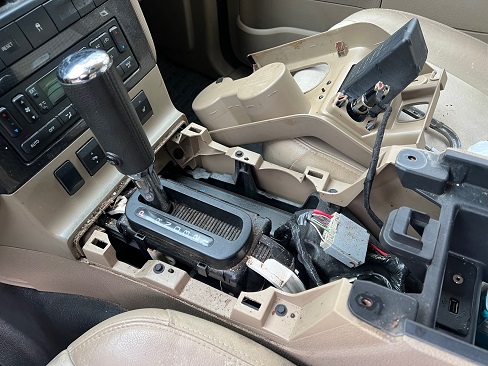
Removing and installing the side mirror wasn't difficult at all, unlike replacing the shift lock module, which required removing the console.
*********
My Daily Driver
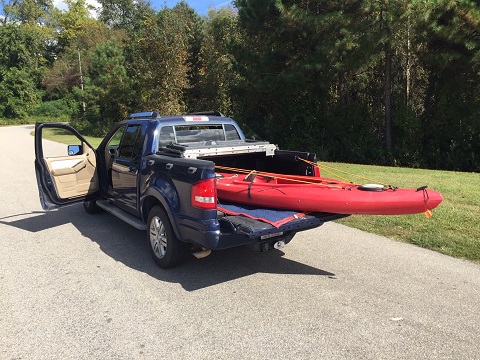
Aside from getting me back and forth to work faithfully and comfortably, my Sport-Trac has transported bicycles, motorcycles, go karts, kayaks, kids, lumber, mulch, furniture, kitchen appliances, engines, transmissions, tires, wheels, and on occasion, a few trips to the local dump.
Read: Ford Sport-Trac Review
*********
Related Articles: